Create an account & first login
Last updated April 23, 2026
Welcome to Right Packing — a field-notes system for your real hiking setups. This guide walks you through creating an account and finding your way around.
1. Create your account
Click Login in the top navigation and choose Sign up. Enter your email and a password, then check your inbox for a confirmation link.
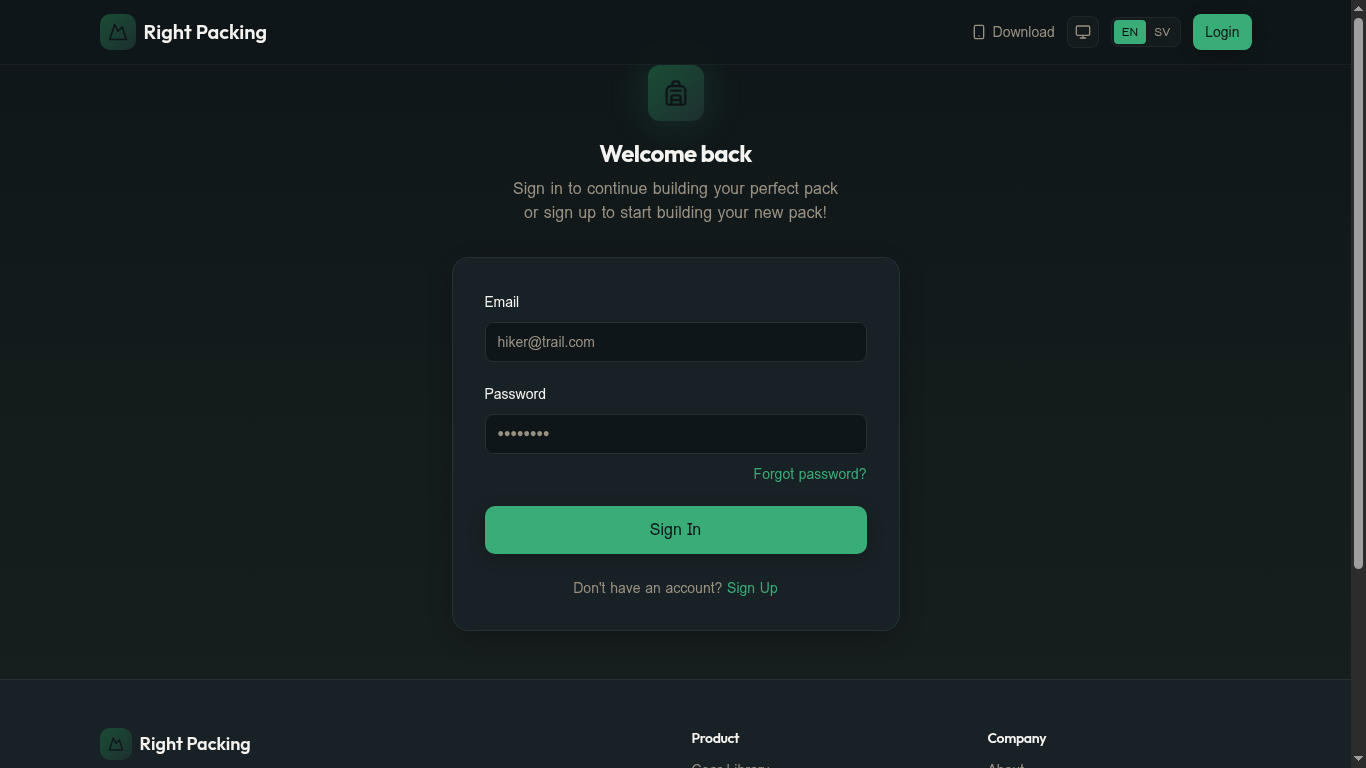
Why we ask for email confirmation: it protects your packs and notes from being claimed by someone else.
2. Sign in
Once your email is confirmed, return to the Login page and sign in. You'll land on your Gear inventory — the main hub for everything you own.
3. Get the lay of the land
The top navigation has three core sections:
- Gear — every item you own, with weight and category
- Catalogue — community-curated gear you can add to your inventory
- Packs — the lists you build for specific trips
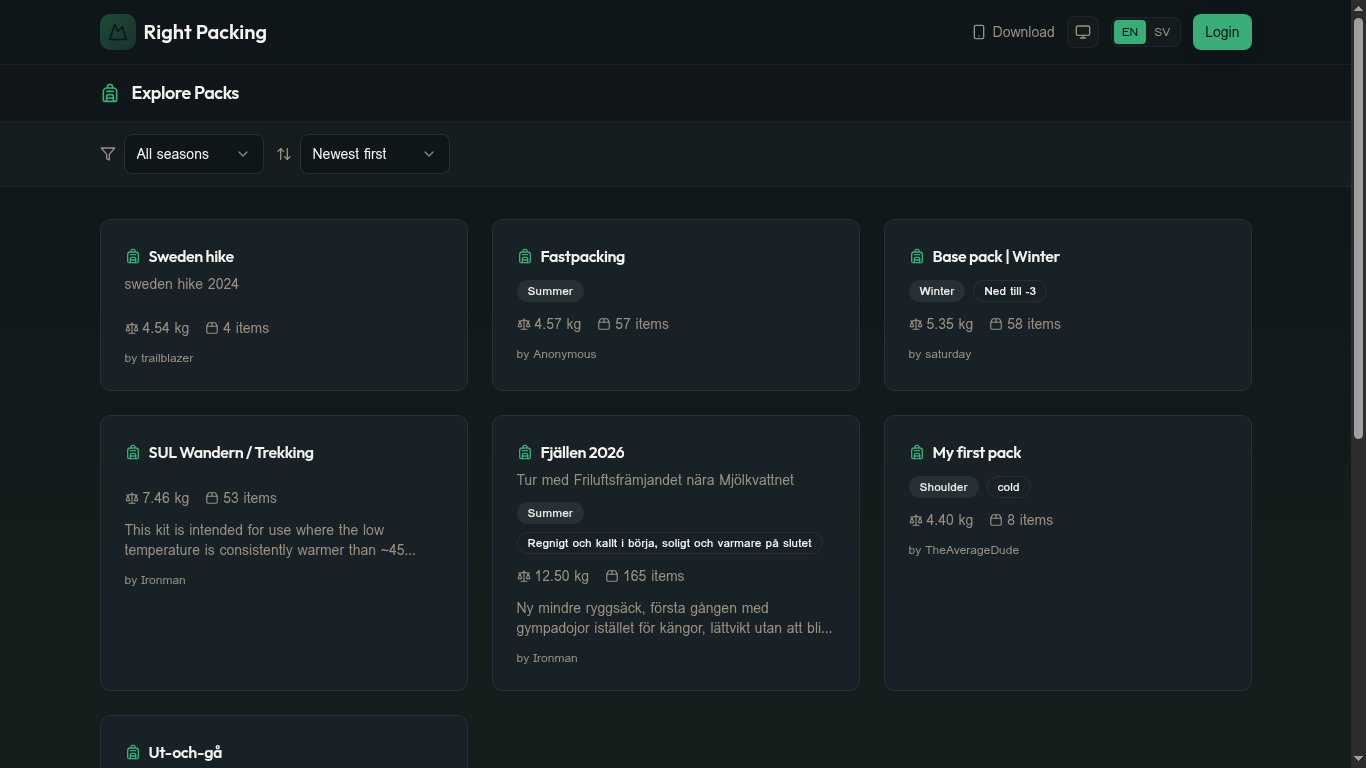
You can also browse other people's setups any time at Explore Packs:
Next steps
Still need help? Contact us